Meals, remembered.
A photo, a few words and the food labels you choose. A simple note you can return to.
YOUR DAILY GUT JOURNAL
Give your meals and how you feel a place to come together. A calm journal for the little things that are easy to forget.
Meet your journalFor iPhone
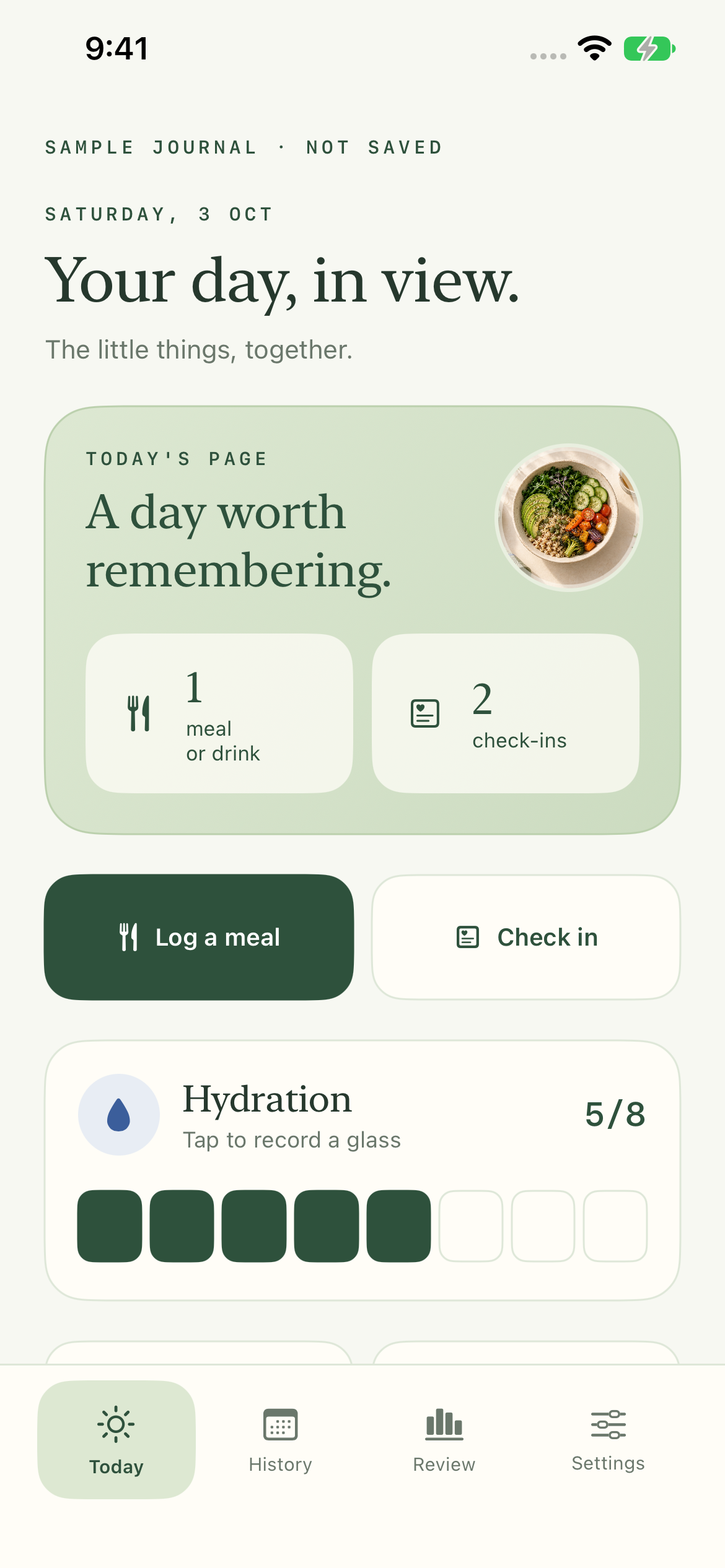
A LITTLE ROOM TO NOTICE
You don’t have to remember every detail. Give it a place on the page.
A photo, a few words and the food labels you choose. A simple note you can return to.
Water, bowel notes, symptoms and comfortable moments. Sleep, mood and movement when they matter.
Visual summaries of your own entries. Follow each observation back to the days and notes behind it.

YOUR OWN OBSERVATIONS
Write what you want to remember. Add to an earlier day, change a note, or repeat a familiar meal.
Your journal and meal photos stay on your iPhone. Export a backup, restore your records and use an optional device lock.
Read about your privacyA LITTLE HELP
Meals and attached photos, food labels you choose, symptom and feeling check-ins, water, Bristol bowel notes, sleep, mood, stress and activity. Your weekly review reflects the entries you save.
No. Photos are local attachments. You write a meal name and select known food labels yourself. GutBFF does not upload photos or use AI to infer ingredients.
GutBFF is a wellness journal. It does not diagnose, treat, identify proven food triggers or guarantee improvement. Timing beside a meal does not prove that food caused a symptom. Consult a healthcare professional for medical concerns.
Journal access requires an auto-renewing subscription. The full localized price and billing period appear before purchase. You can manage or cancel through your Apple Account. Export, backup restore, privacy information and deletion remain available without membership.
Export a JSON backup in Settings, save it in Files, then restore it on your other iPhone. A complete backup includes entries, photos and setup choices. There is no automatic cloud sync. Read Support for more help.
A LITTLE ROOM TO NOTICE
A little room to notice, on iPhone.
A little help, whenever you need it